What Is EGEM?
EGEM, short for EtherGem, is an independent Layer-1 blockchain. It does not rely on Ethereum’s infrastructure. It has its own consensus rules, processes its own transactions, and enforces its own security protocol. The EGEM coin is used to pay transaction fees, participate in staking, and take part in governance. Because EGEM is a separate network, MetaMask needs explicit configuration details before it can display EGEM balances or submit EGEM transactions.
What Is MetaMask?
MetaMask is a browser extension and mobile wallet that stores private keys locally and signs transactions when you approve them. It does not store private keys on external servers; keys remain encrypted on your device. It defaults to the Ethereum mainnet, but it supports EVM-compatible networks through custom RPC settings. The MetaMask Help Center explains how to add a custom network: open the menu, select Networks, edit the desired network, choose Add RPC URL from the Default RPC URL dropdown, enter the URL and nickname, then save your configuration. MetaMask Help Center
Why Do You Need a Custom RPC?
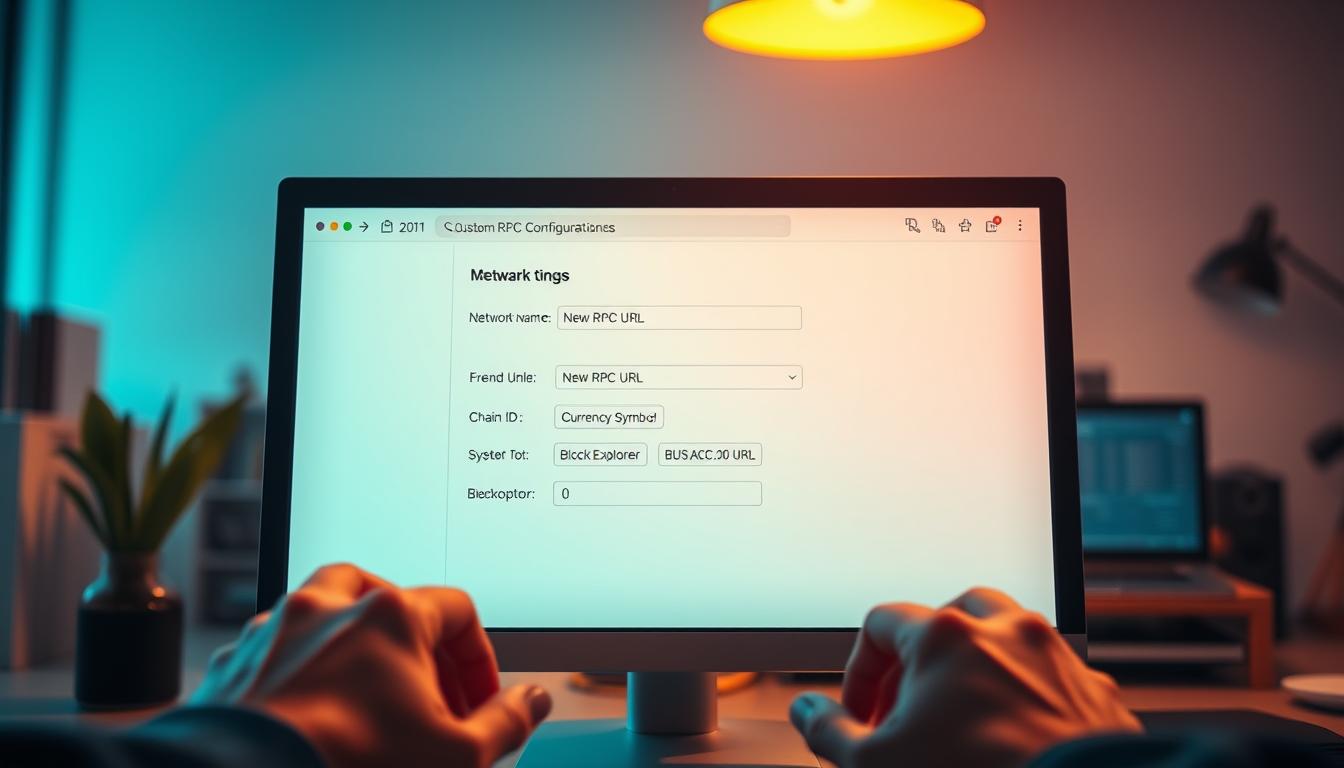
RPC, or Remote Procedure Call, is the connection method your wallet uses to communicate with a blockchain. A custom RPC entry tells MetaMask where the EGEM nodes are, what chain ID identifies the network, which block explorer to use, and what currency symbol to display. Without this information, MetaMask cannot recognize EGEM or query balances. MetaMask’s user guide for EVM networks and sidechains points to chainid.network for automatic network discovery and explains that custom networks can also be added manually. MetaMask User Guide: EVM Networks and Sidechains
EGEM Network Parameters
Use the following values when adding EGEM as a custom network in MetaMask:
| Field | Value |
|---|---|
| Network Name | EGEM or EtherGem |
| New RPC URL | https://jsonrpc.egem.io/custom |
| Chain ID | 1987 |
| Currency Symbol | EGEM |
| Block Explorer URL | https://explorer.egem.io |
Double-check the RPC URL for extra spaces or missing characters. The Chain ID is a unique network identifier that prevents cross-chain transaction errors. The block explorer URL is optional but recommended because it lets you view transaction details.
Add EGEM in MetaMask on Desktop
- Open MetaMask and click the network selector at the top, which usually shows Ethereum Mainnet.
- Scroll to the bottom and click Add Network, or choose Add a network manually.
- Enter the EGEM parameters from the table above.
- Click Save. MetaMask will switch to the EGEM network.
Chainstack’s documentation describes the same desktop flow: open the network selector, choose Add a network, then Add a network manually, fill in the network details, click Save, and MetaMask switches to the new network. Chainstack Docs
Add EGEM in MetaMask on Mobile
On MetaMask Mobile, open Settings, then Networks. Tap Add network and choose Custom networks. Fill in the same fields and tap Add. Chainstack’s documentation confirms this mobile flow. Chainstack Docs
Using an RPC Provider Endpoint
If you are using an RPC provider, QuickNode’s guide says to copy the HTTP Provider link from the endpoint you created and use it as the New RPC URL in MetaMask. QuickNode Guide Alchemy’s documentation describes creating a free account, creating an API key, choosing Custom RPC in MetaMask, and filling in the network details. Alchemy Docs
For production applications, MetaMask’s developer documentation recommends configuring your setup with your custom RPC URL using environment variables. MetaMask Developer Documentation
Verify the Connection
After saving the network, return to the network selector and choose EGEM. If the configuration is correct, MetaMask will switch to the EGEM network without an error. The currency symbol should appear as EGEM. Click your account details and choose View on Explorer to confirm your address appears on the EGEM block explorer.
Troubleshooting Common Issues
Connection errors often come from an incorrect RPC URL, including typos or extra characters. Try copying the endpoint directly from the official EGEM source. If the RPC node is congested, switch to an alternative endpoint if one is available. Network issues such as VPNs, corporate firewalls, or public WiFi can also block RPC connections.
Transaction failures may happen if the wallet lacks native EGEM for gas, if the gas limit is too low, or if slippage is too tight for token swaps. You can handle stuck transactions with MetaMask’s Speed Up or Cancel options.
If MetaMask shows a zero balance even though you know funds exist, switch to a different network and switch back. This forces MetaMask to refresh data from the RPC endpoint. If you recently received tokens, check the EGEM block explorer for your address.
Keep Your Recovery Phrase Safe
MetaMask gives you a 12-word secret recovery phrase when you create or import a wallet. This phrase can restore your wallet on any device. Anyone who has the phrase can control your funds, so store it offline and never share it with anyone claiming to be support.